How to Connect to Your Quadcopter
There are two primary ways to access the quadcopter’s terminal.
Method 1: Using the Web IDE
The Web IDE is the quickest way to start working without installing any extra software.
Open your web browser and go to
http://192.168.11.1:9880.In the top menu, navigate to
Terminal->New Terminal.Your terminal session will open directly in your browser.
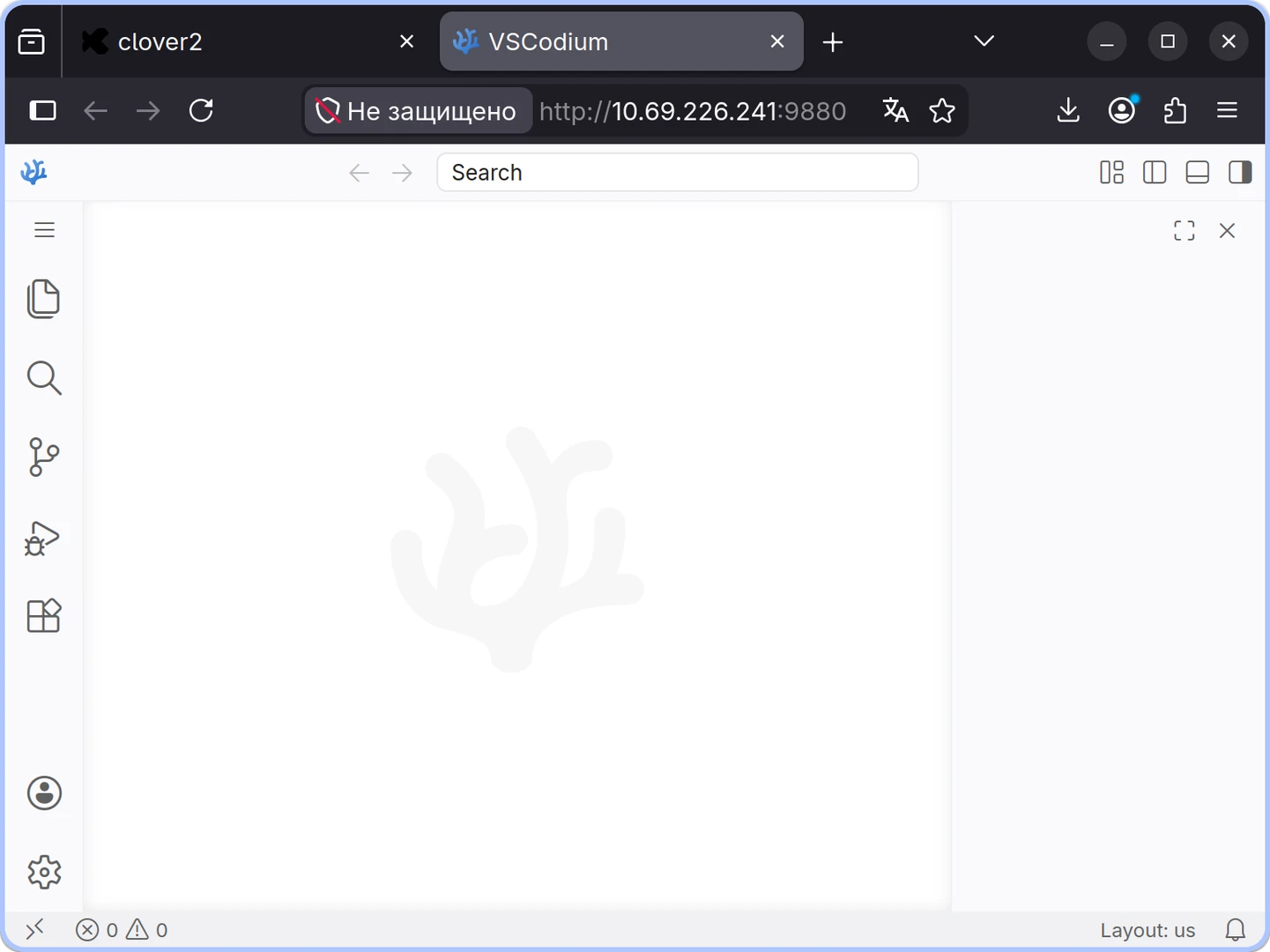
Web IDE in the browser
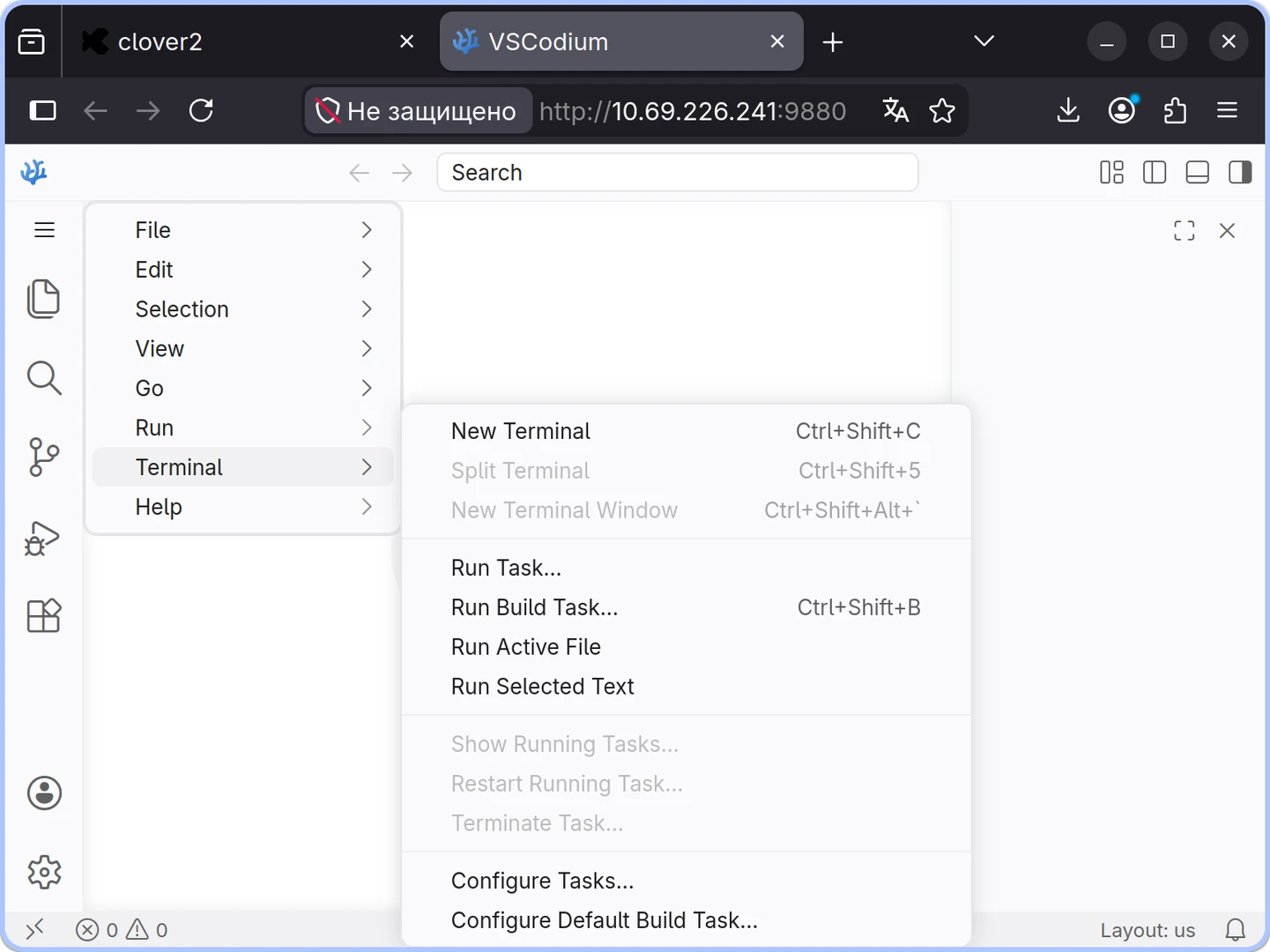
Creating a new terminal via the Web IDE menu
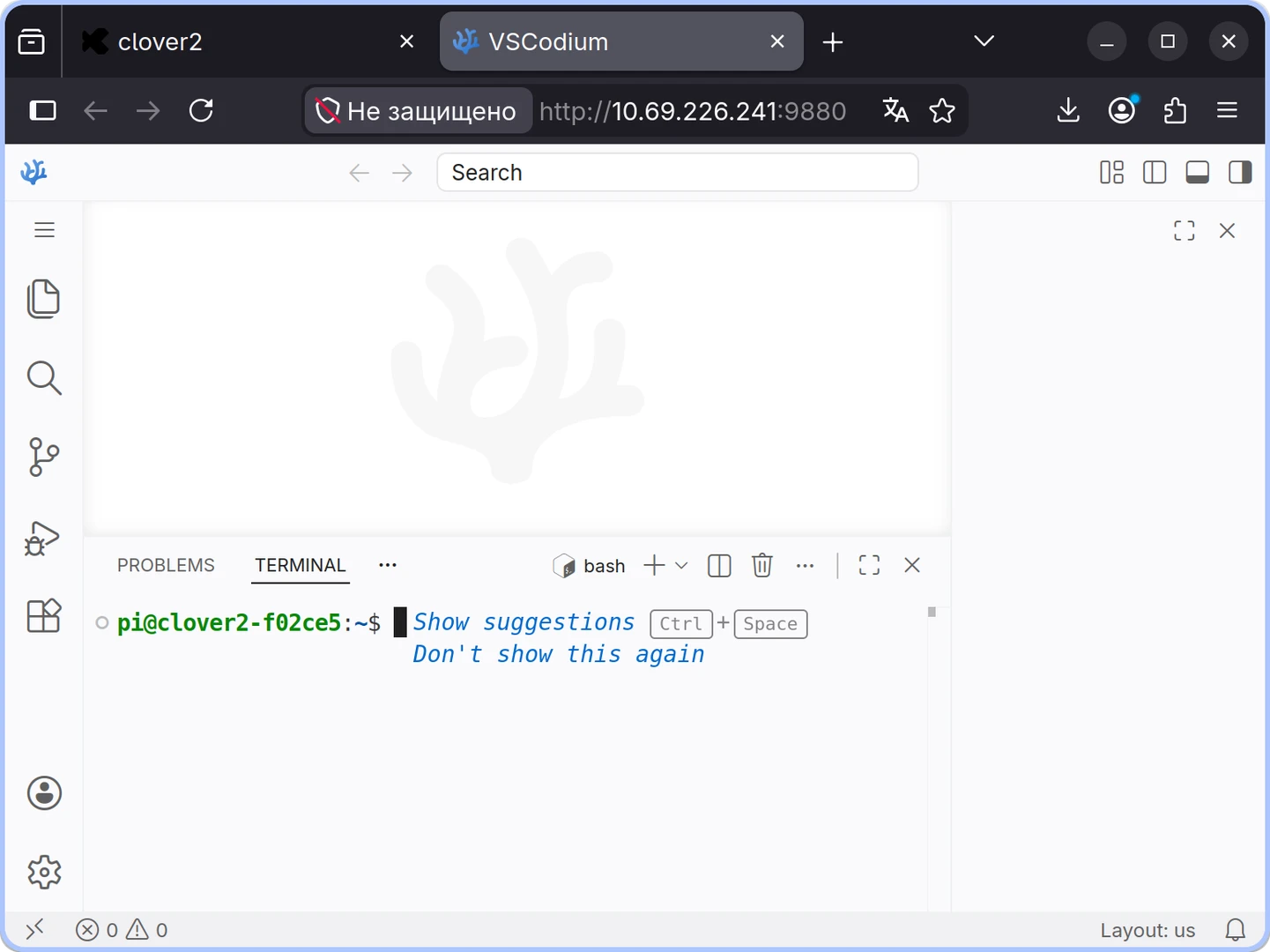
Active terminal window in the Web IDE
Method 2: Using SSH
If you prefer working in your own environment, you can connect via SSH.
On Windows, you can use PuTTY or simply use the ssh command within PowerShell or CMD.
Default Connection Details:
IP adress:
192.168.11.1Username:
piPassword:
raspberry
ssh pi@192.168.11.1

Connecting via SSH
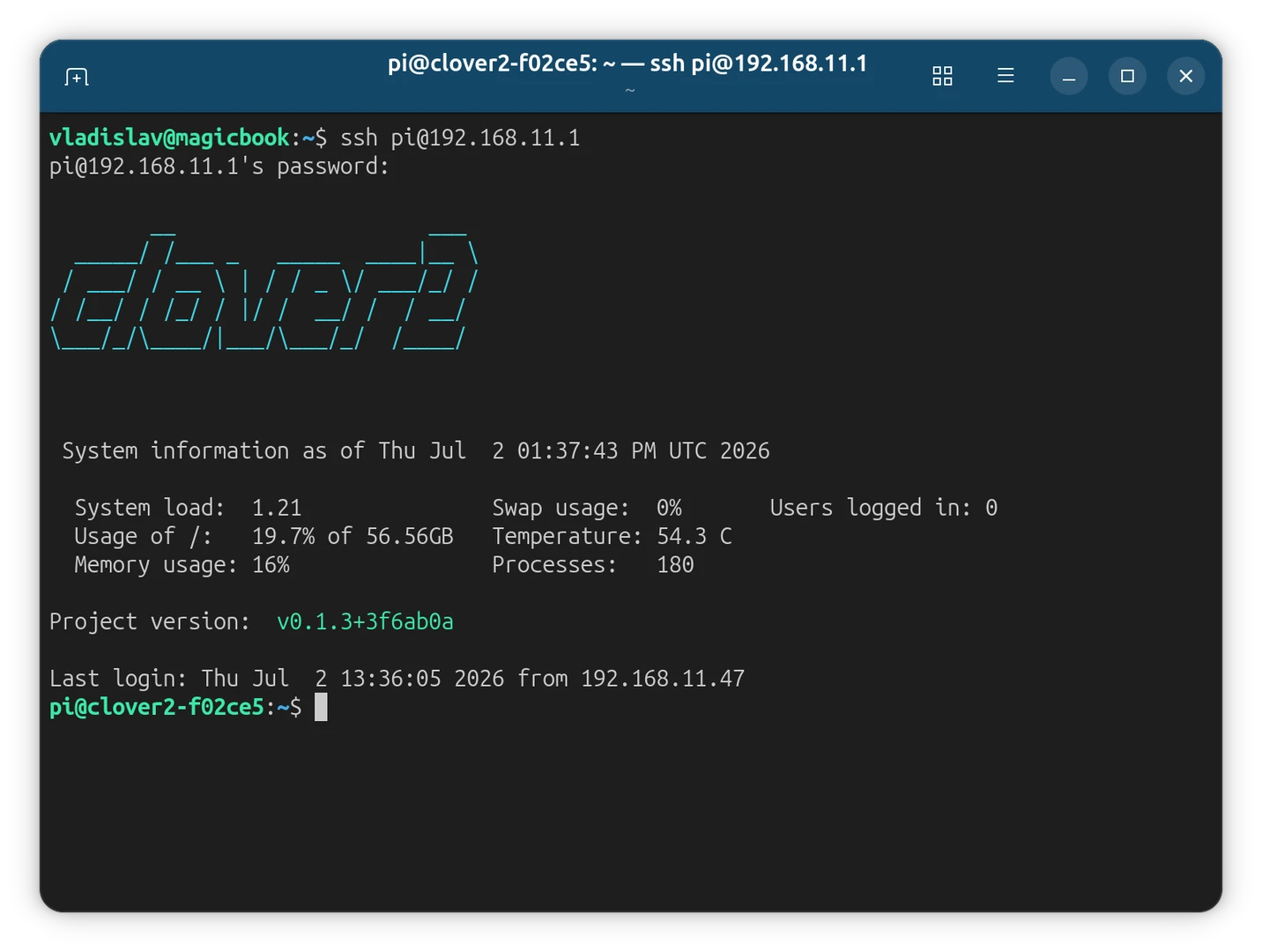
Logging into the terminal