Control Equipment Setup
This section details how to prepare your transmitter and pair it with an ExpressLRS (ELRS) receiver.
Caution
Remove all propellers before starting this setup. This prevents accidental motor starts during channel and switch testing.
Hardware Preparation

Transmitter front view
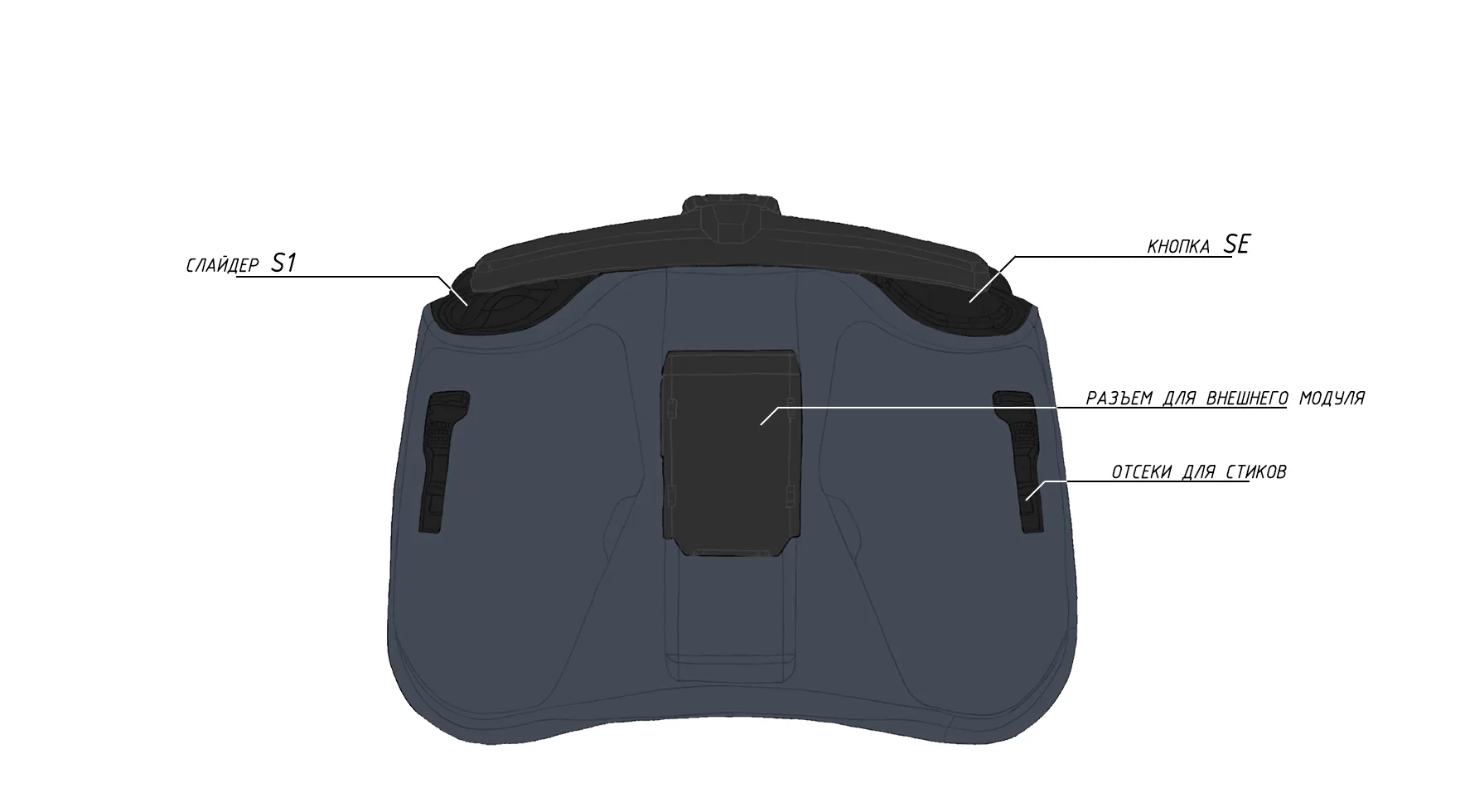
Transmitter rear view
Remove the black rubber pads from the rear of the transmitter.
Install the battery, ensuring correct polarity.
Reinstall the rubber pads.
Press and hold the POWER button to turn on the device.
Caution
If the screen displays a WARNING message, immediately move the Throttle stick to the lowest position.
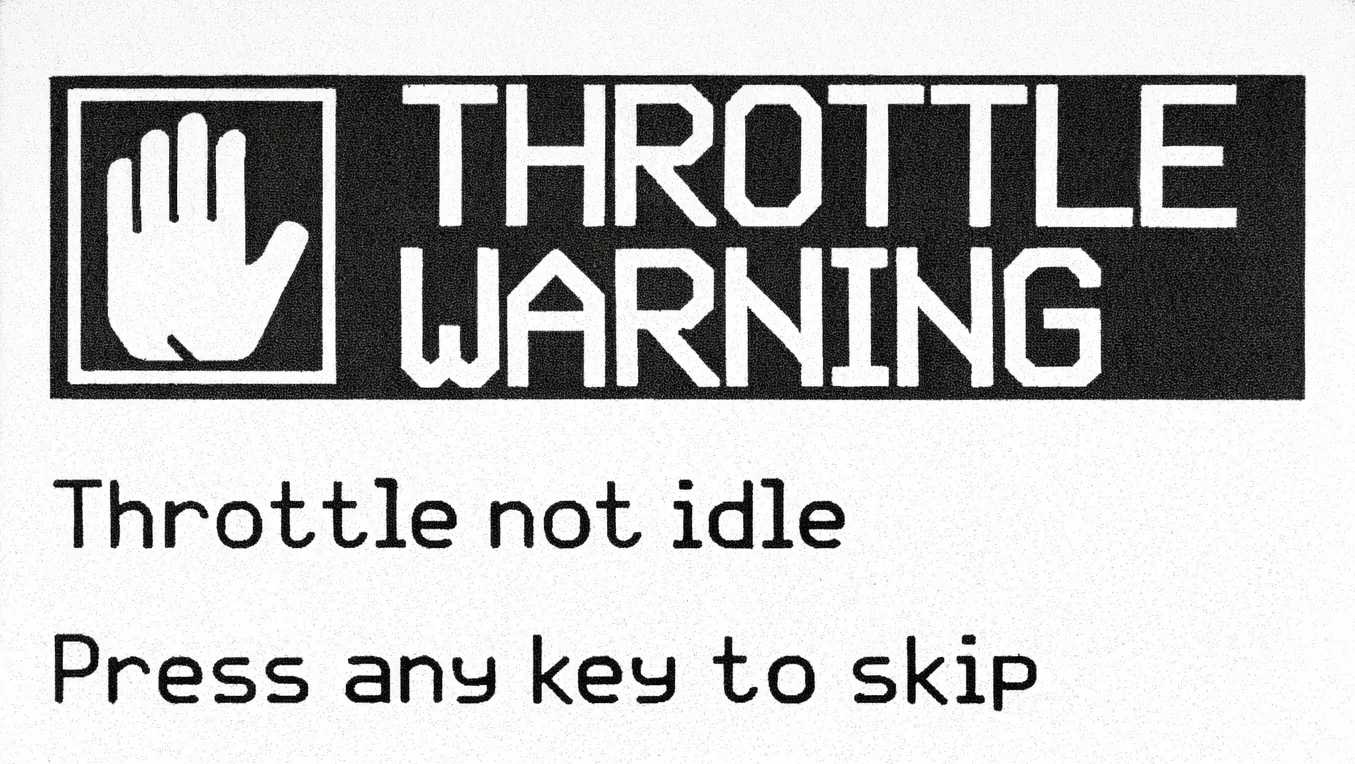
Warning
Once the warning is cleared, proceed to the main menu.
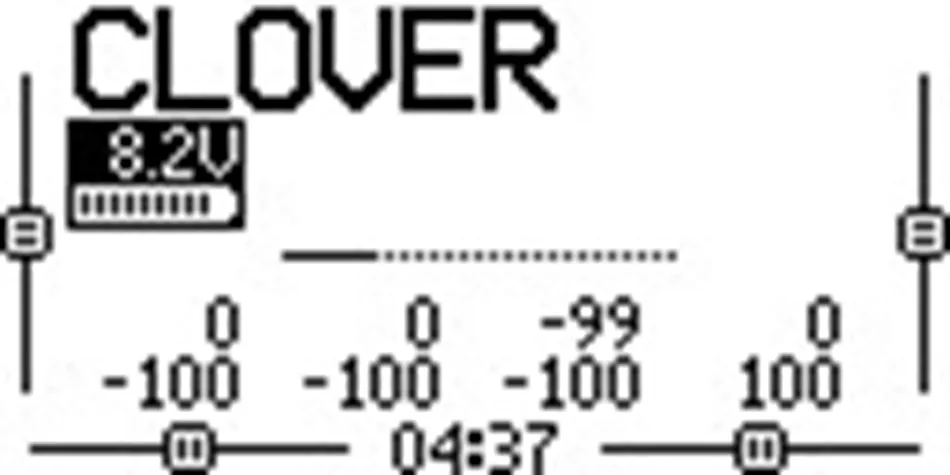
Main menu
Pairing via Binding Phrase (Recommended)
Transmitter (TX) Setup
Press the
SYSbuttonNavigate to the
ExpressLRSmenu.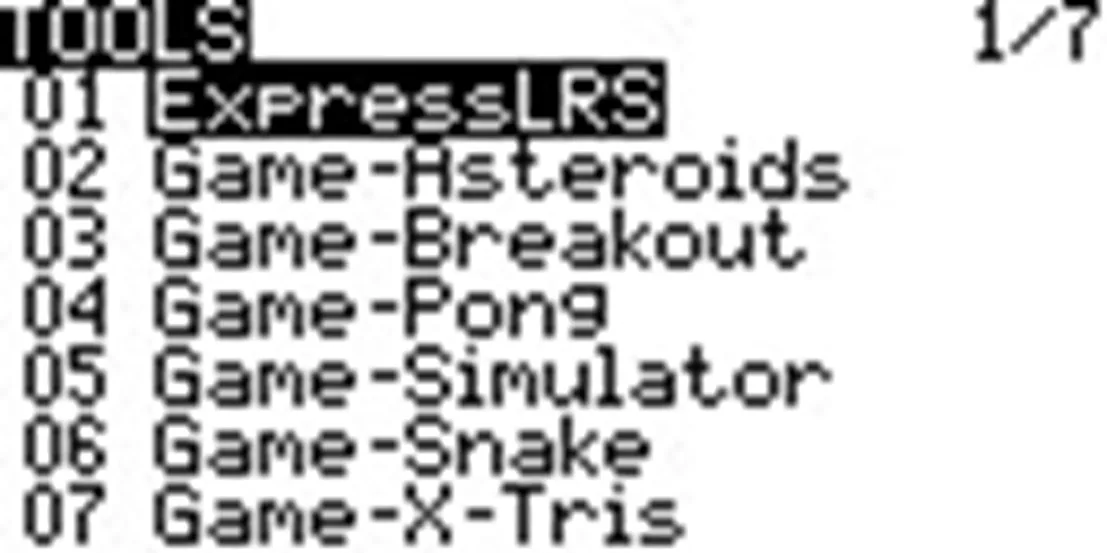
ExpressLRS
Select
WiFi Connectivity.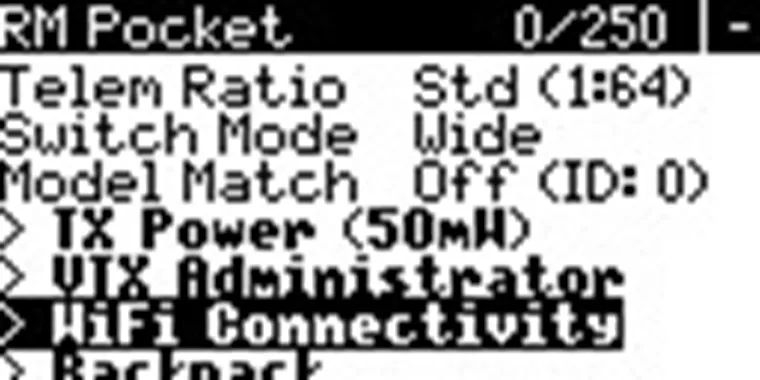
WiFi Connectivity in ExpressLRS
Select
Enable WiFi.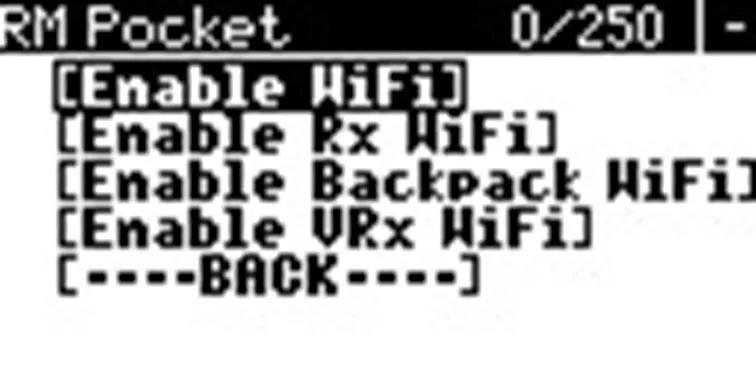
Wi-Fi enabled
Wait for the
WiFi Runningmessage.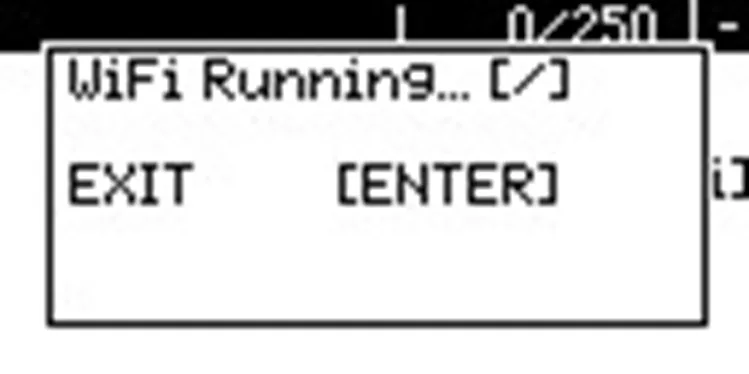
WiFi Running
On your computer or smartphone, connect to the
ExpressLRS TXnetwork (Default password:expresslrs).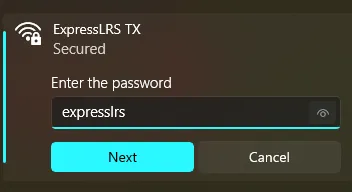
ExpressLRS TX
Open a web browser and go to http://10.0.0.1 (http://10.0.0.1/).
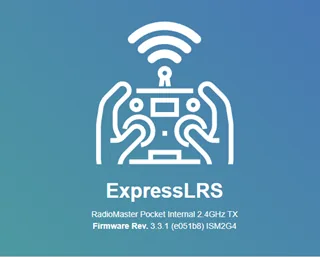
ExpressLRS web interface
Enter your chosen phrase in the
Binding Phrasefield and clickSAVE.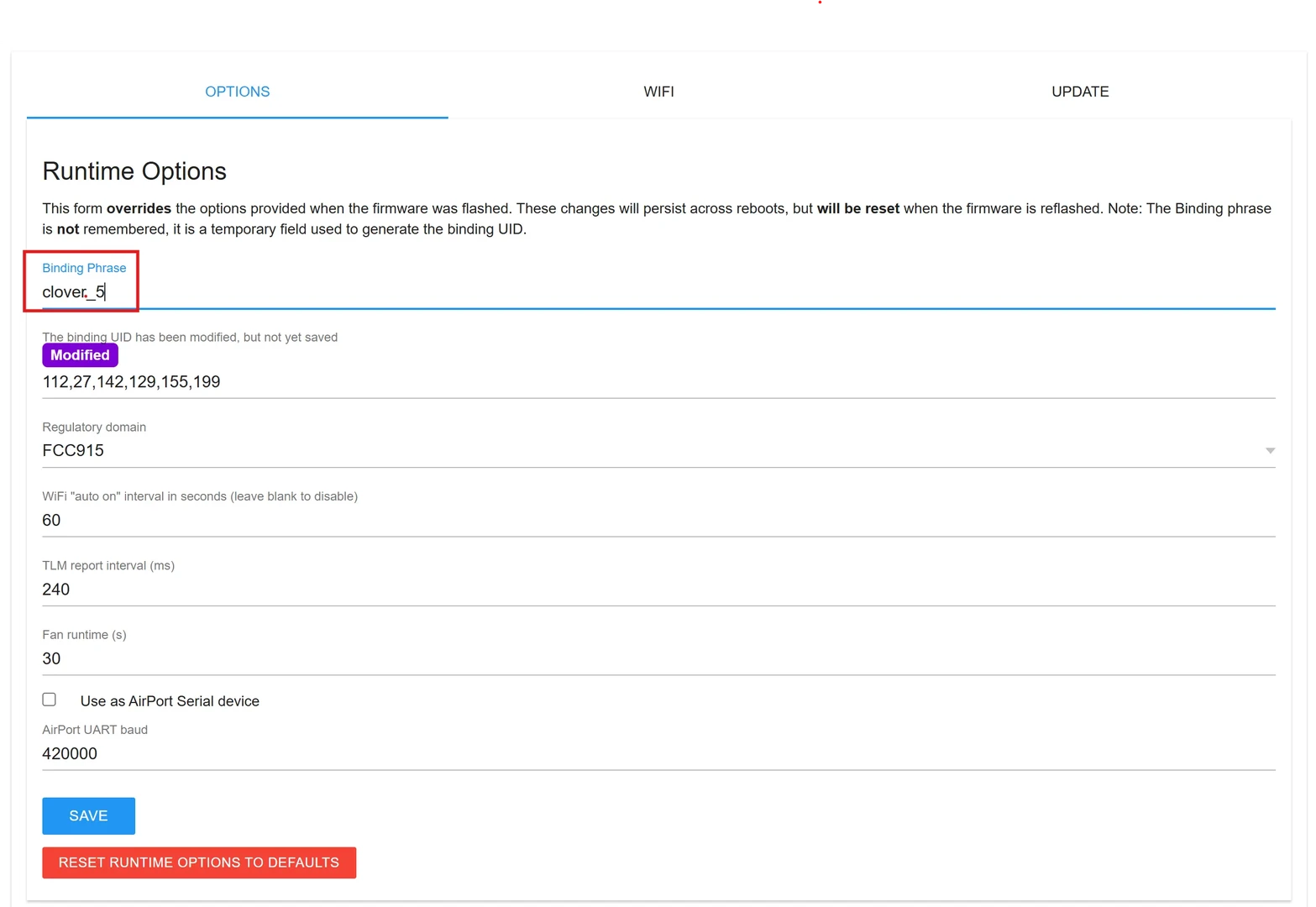
Binding Phrase
Click
REBOOTto apply changes.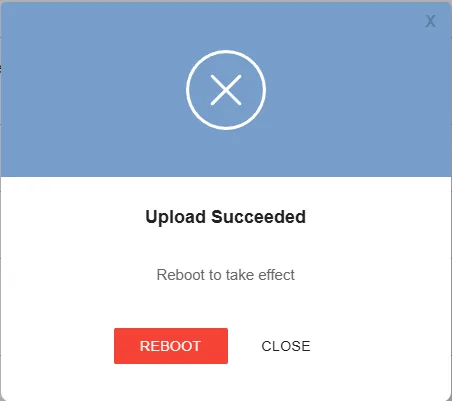
ExpressLRS Reboot
Receiver (RX) Setup
Caution
If your Video Transmitter (VTX) powers on with the flight controller, ensure an antenna is connected and provide active cooling, or temporarily disconnect the VTX. Do not install propellers.
Turn OFF the transmitter to prevent accidental binding.
Power on the flight controller and wait ~60 seconds. The receiver’s LED will blink rapidly when it enters Wi-Fi mode.
Connect your computer/smartphone to the
ExpressLRS RX network(Default password:expresslrs).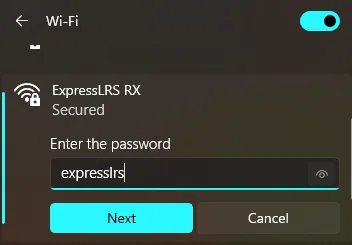
ExpressLRS RX
Open http://10.0.0.1 (http://10.0.0.1/) in your browser.
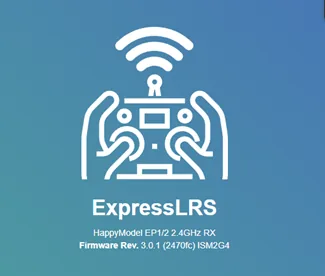
ExpressLRS web interface
Enter the exact same phrase used on the transmitter.
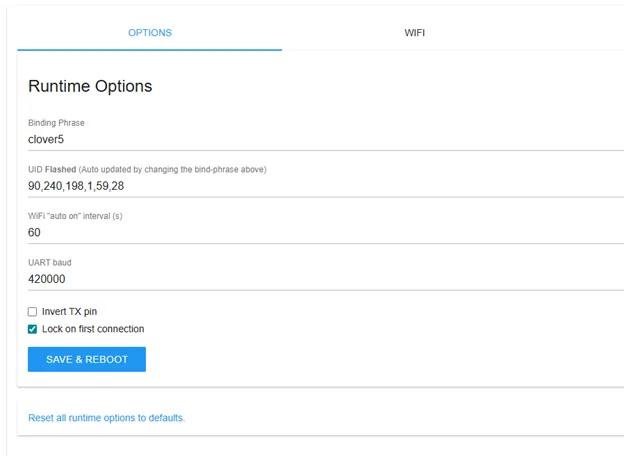
Binding Phrase
Click
SAVE & REBOOT, then confirm by clickingREBOOT.
Receiver reboot
Turn on your transmitter. A connection indicator should now appear on the transmitter’s main screen.
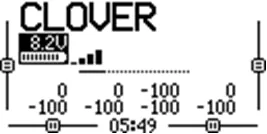
Main menu
Alternative Pairing: Manual Bind Mode
Use this method if you are unable to configure a Binding Phrase.
Enter Receiver Bind Mode: Power the flight controller on and off three times in quick succession. The receiver LED should blink in a specific pattern (two blinks followed by a pause).
On the transmitter, press
SYSand open theExpressLRSmenu.
ExpressLRS menu
Set
TX Powerto100 mW.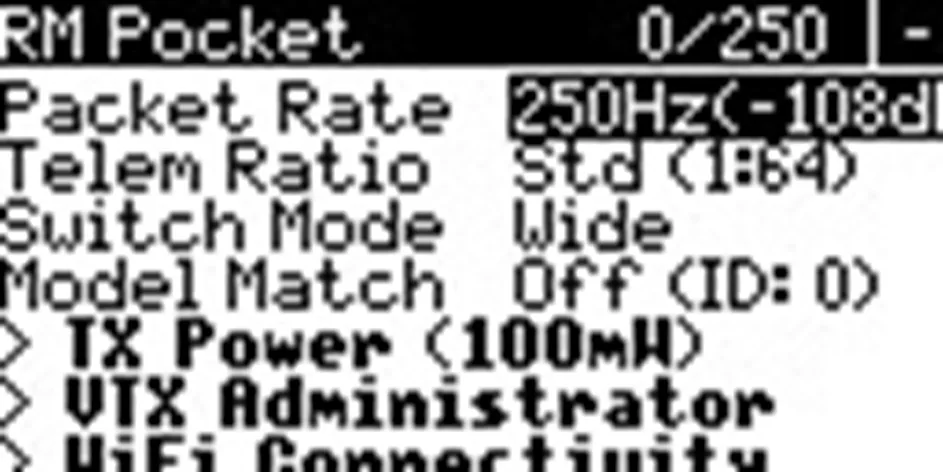
TX Power setting
Select the
Bindcommand and wait for the process to complete.
ExpressLRS menu
Once the connection status is displayed, press and hold
RTNto return to the main menu.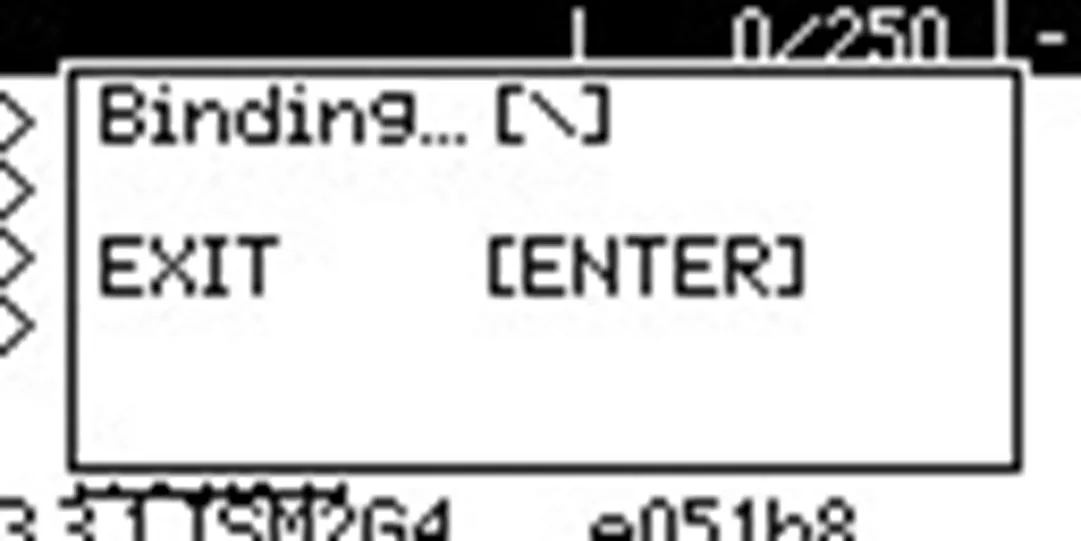
Binding
Verify that the connection indicator is visible on the main screen.
Binded